Storage Strategy
Conceal the visual noise.
- Closed base cabinets for files, supplies, and household paperwork.
- Drawers sized around daily tools instead of generic empty boxes.
- Adjustable shelves for books, samples, binders, and changing needs.
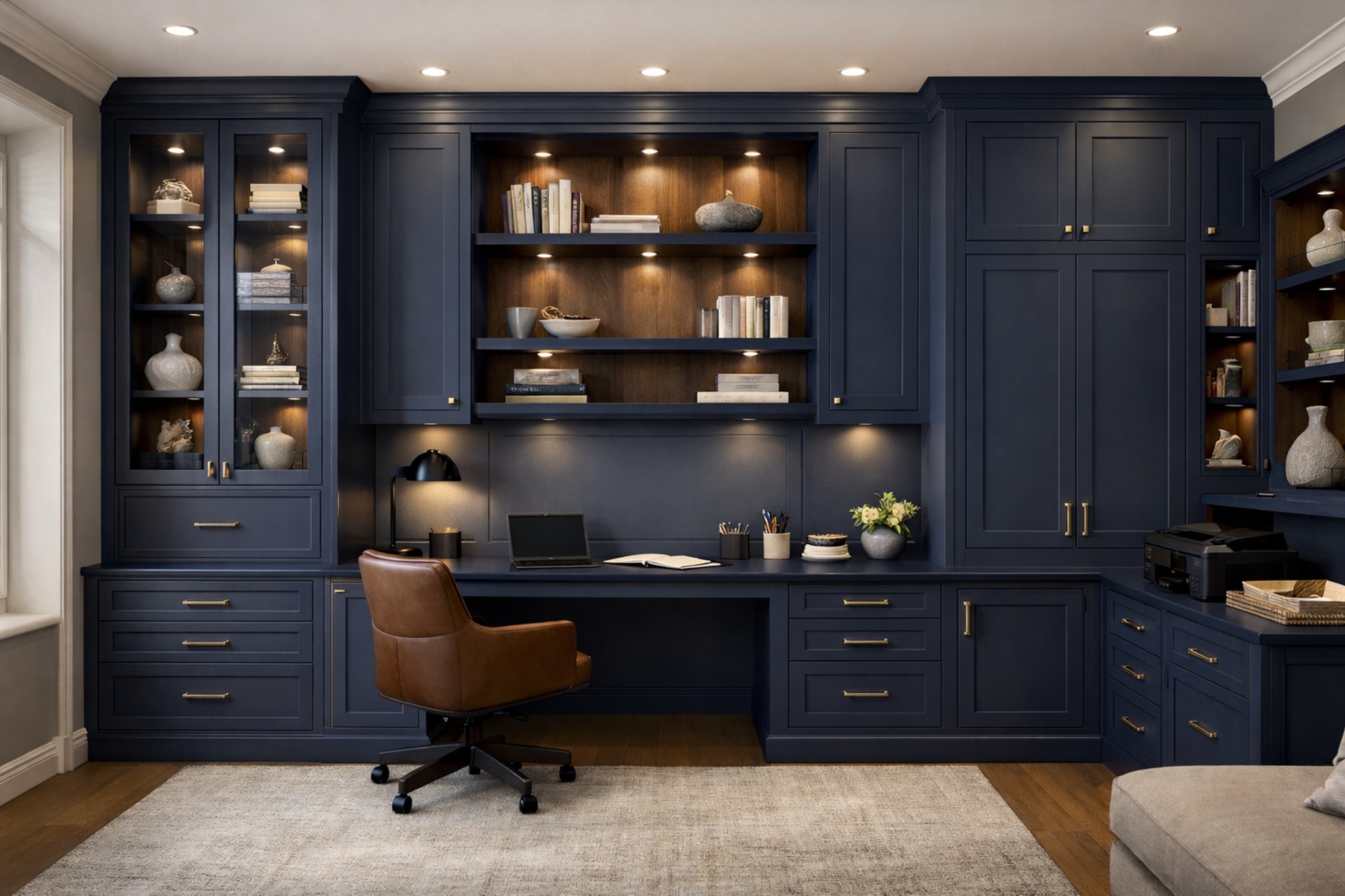
Office cabinetry should resolve equipment, files, display, concealed storage, charging, printer access, desk height, task lighting, and the level of polish expected when the room is visible from the home.
A strong office plan resolves work habits, equipment, storage, lighting, and built-in proportion before finishes are treated as isolated selections.
Confirm laptop or desktop use, monitor count, desk depth, desk height, knee clearance, chair movement, and the way the work zone sits in the room.
Plan printer and scanner access, router or network equipment, charging, outlet placement, cable routing, and ventilation around devices that generate heat.
Balance file storage, drawer organization, concealed clutter, adjustable shelving, books, samples, and open display so the room stays useful.
Consider task lighting, video-call backgrounds, visible shelving, adjacent-room finishes, and the level of polish expected when the office is client-facing.
These details shape cabinet layout, storage quality, comfort, and how finished the room feels once the built-ins are installed.
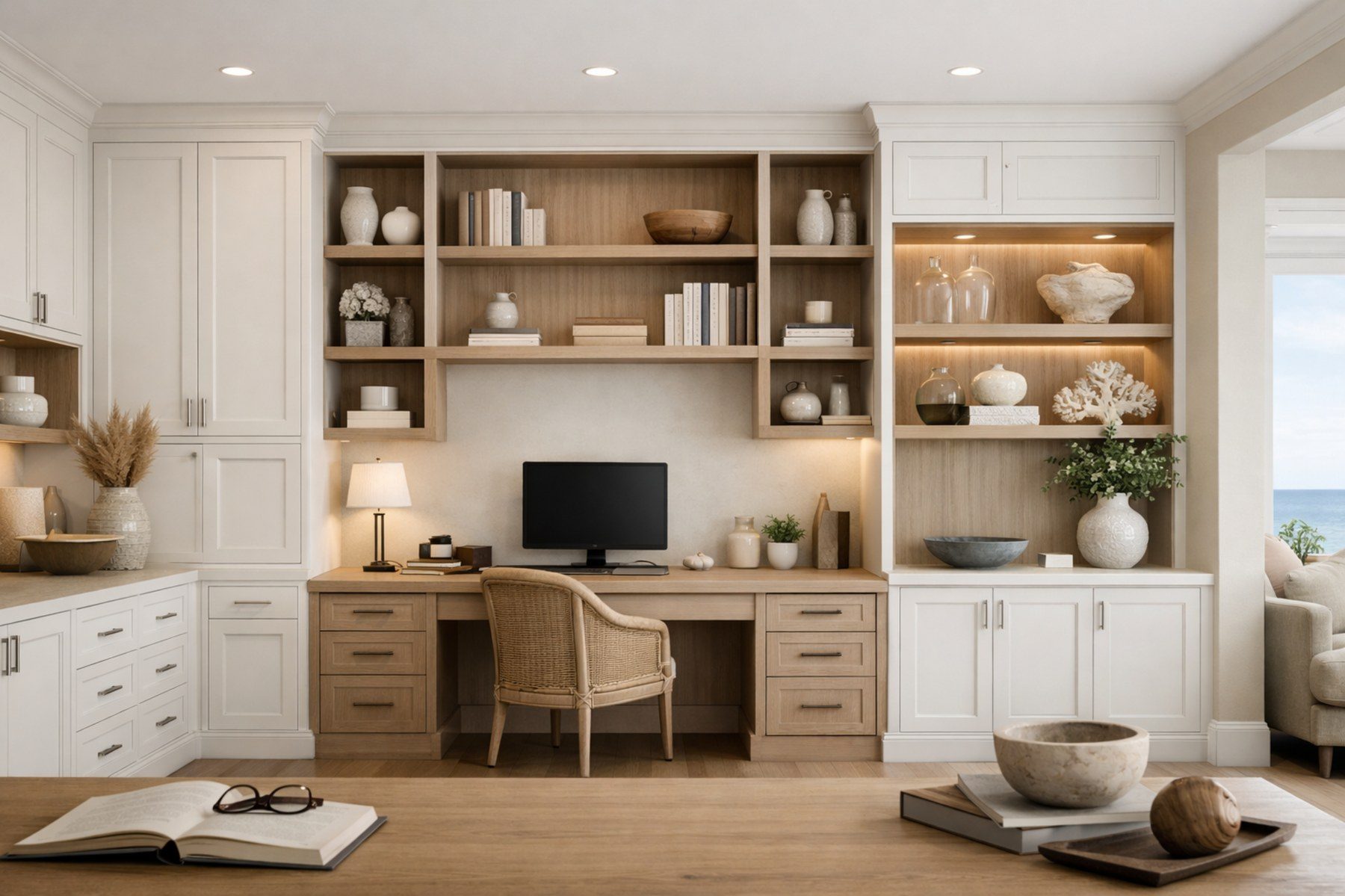
Study the work surface depth, drawer rhythm, display balance, lighting opportunities, and how the cabinetry frames the room without crowding the desk.
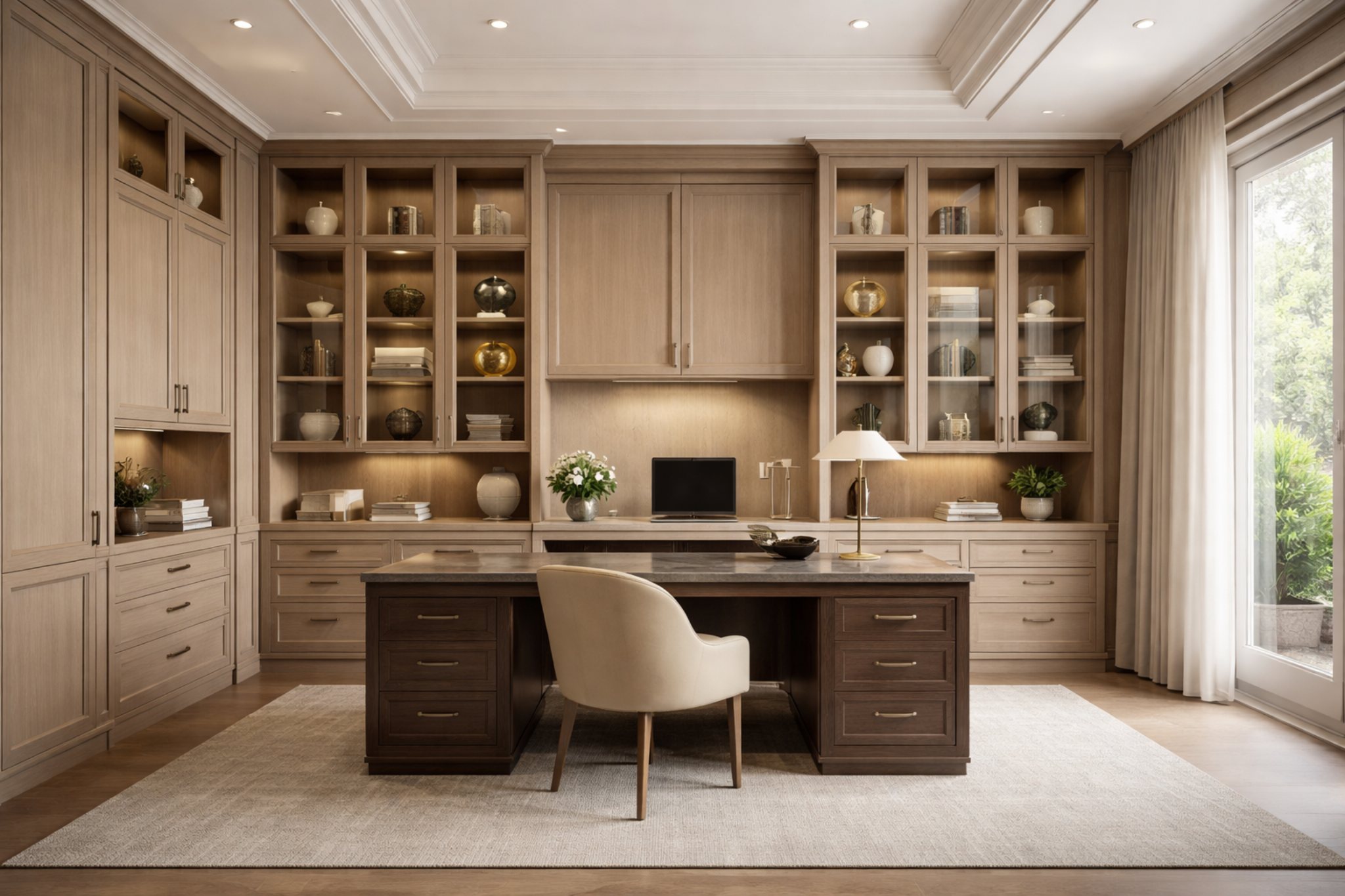
The office should support the rest of the home through material tone, architectural rhythm, concealed storage, and a finish level that feels intentional from nearby rooms.
Home office cabinetry should reduce clutter, support shared or multipurpose use, hide equipment when appropriate, and connect the work zone to nearby residential finishes.
Executive office cabinetry can support display, meeting materials, hospitality details, premium material coordination, and a polished background for client conversations.
The office should look refined, but the image review should stay practical: storage, equipment, display, visibility, and the way the cabinetry supports work without making the room feel crowded.
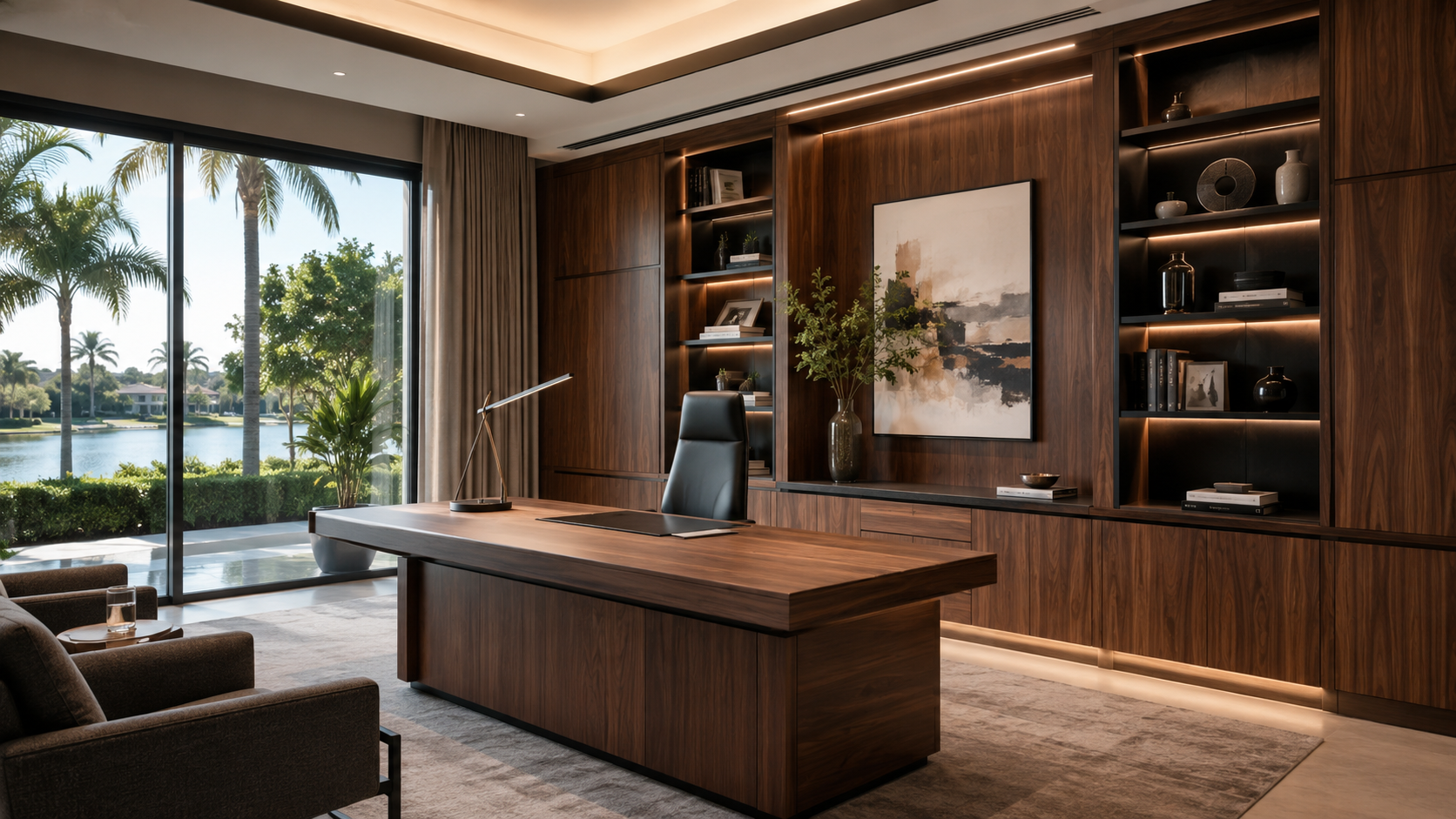
Use this as a reference for presentation zones, display rhythm, meeting materials, and the cabinetry background clients or colleagues may see.
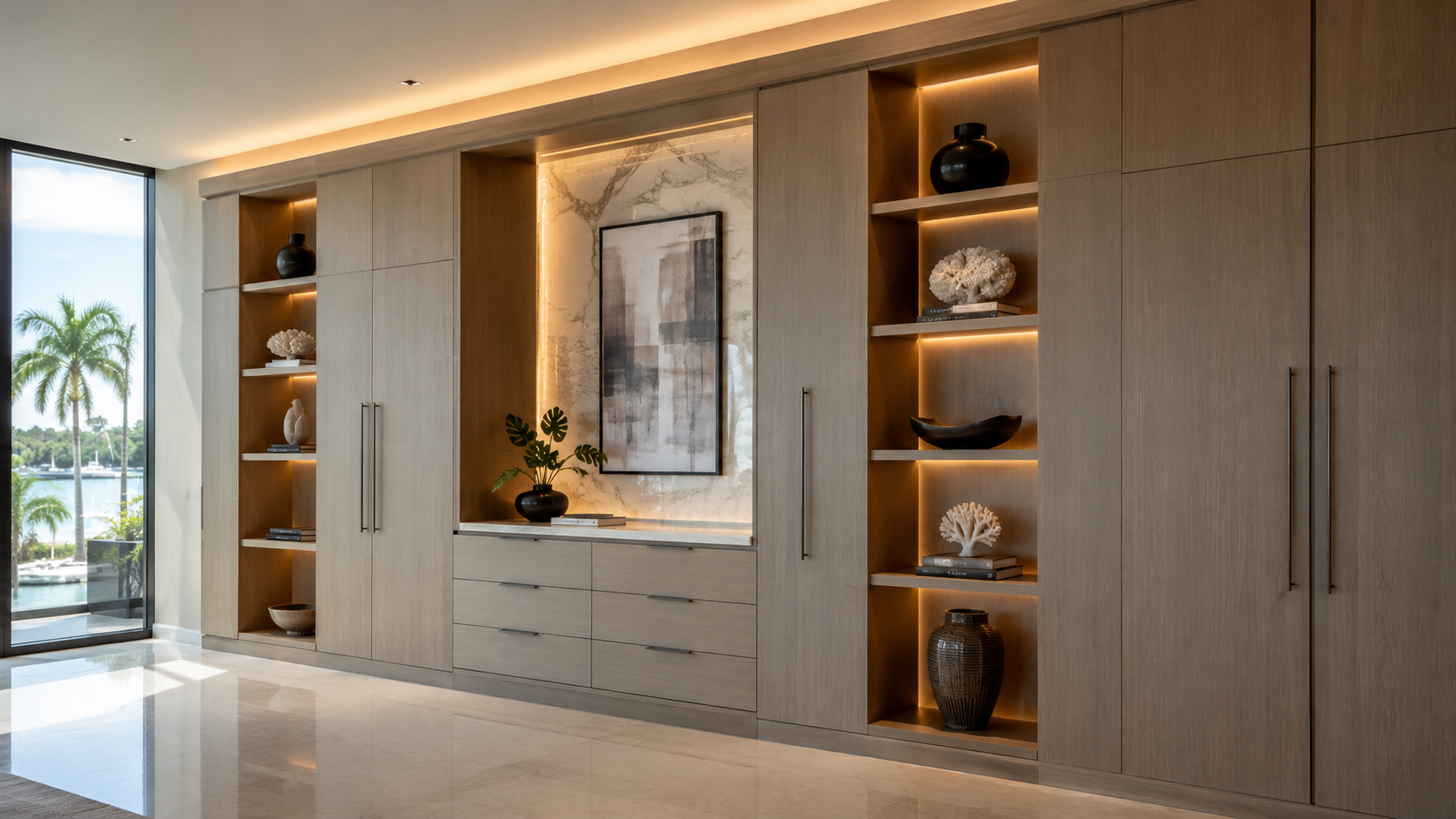
Confirm what should be behind doors, what belongs on open shelves, and how equipment or samples can be stored without visual noise.
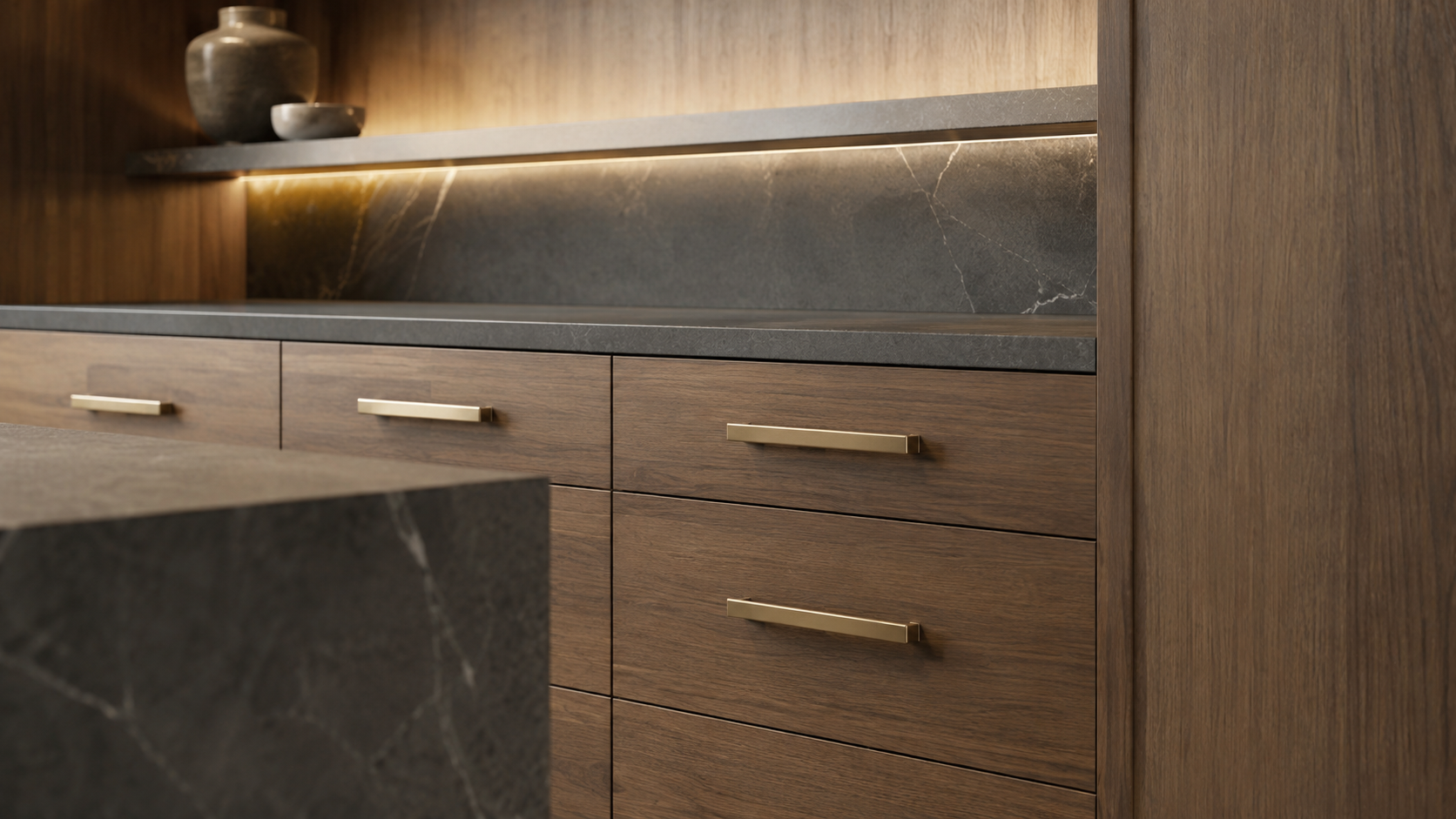
Look closely at edges, hardware, cabinet proportions, and daily touch points before finalizing the finish direction.
For executive suites, conference support areas, reception-adjacent work zones, and other professional settings, the same cabinetry planning can support storage, presentation, technology, and finish coordination.
Start with what the room needs to support, then shape the cabinetry, storage, work surface, materials, and approval details around that purpose.